
5.0 Average Rating
POS, inventory, job orders, mechanic commissions, and profit reports — working together in one place. Whatever kind of shop you run, MotoDisk fits.
No commitment
Set up in minutes
Works office
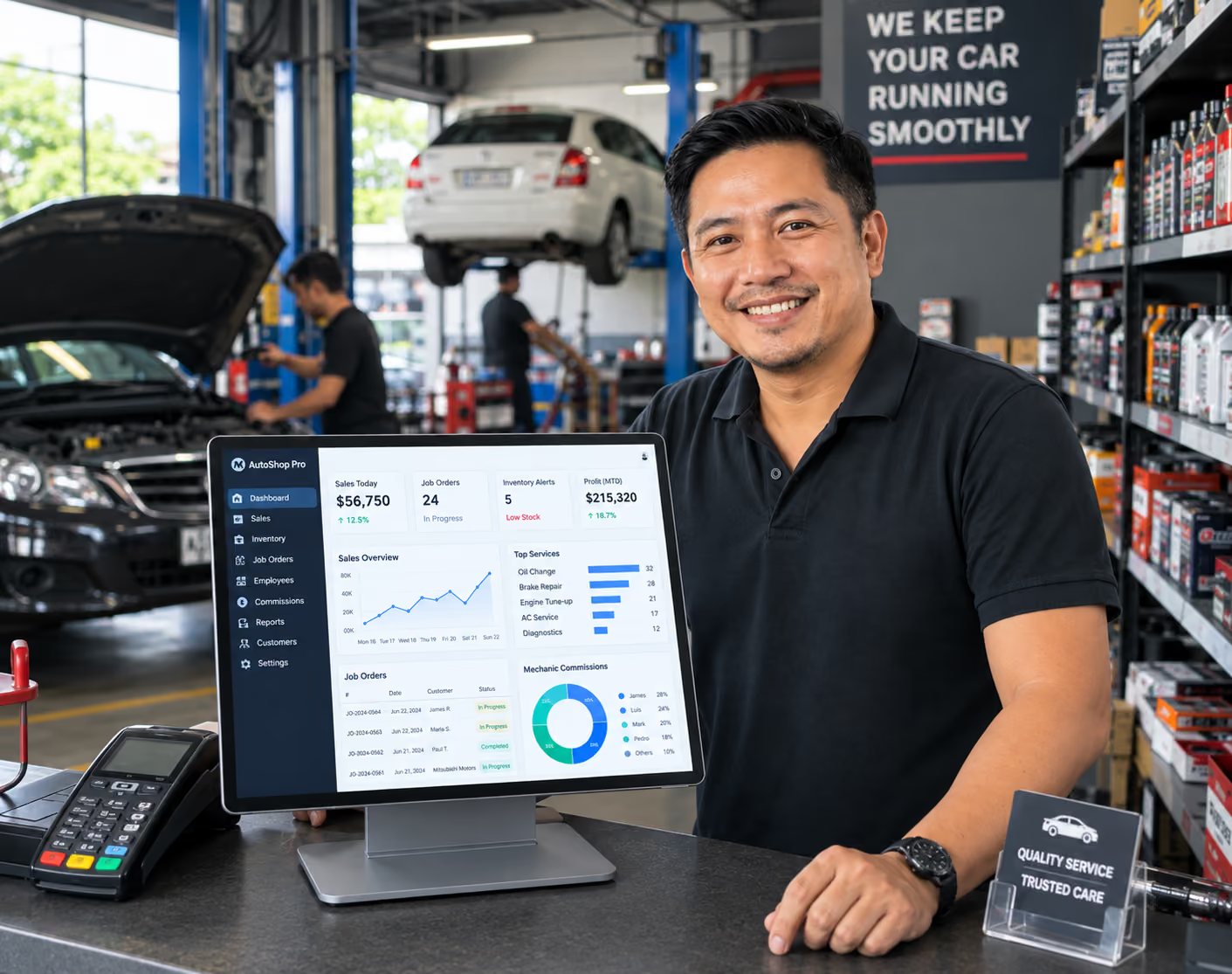
Trusted by shops nationwide




Pick your setup and see the exact fit — pains, fixes, and outcomes.
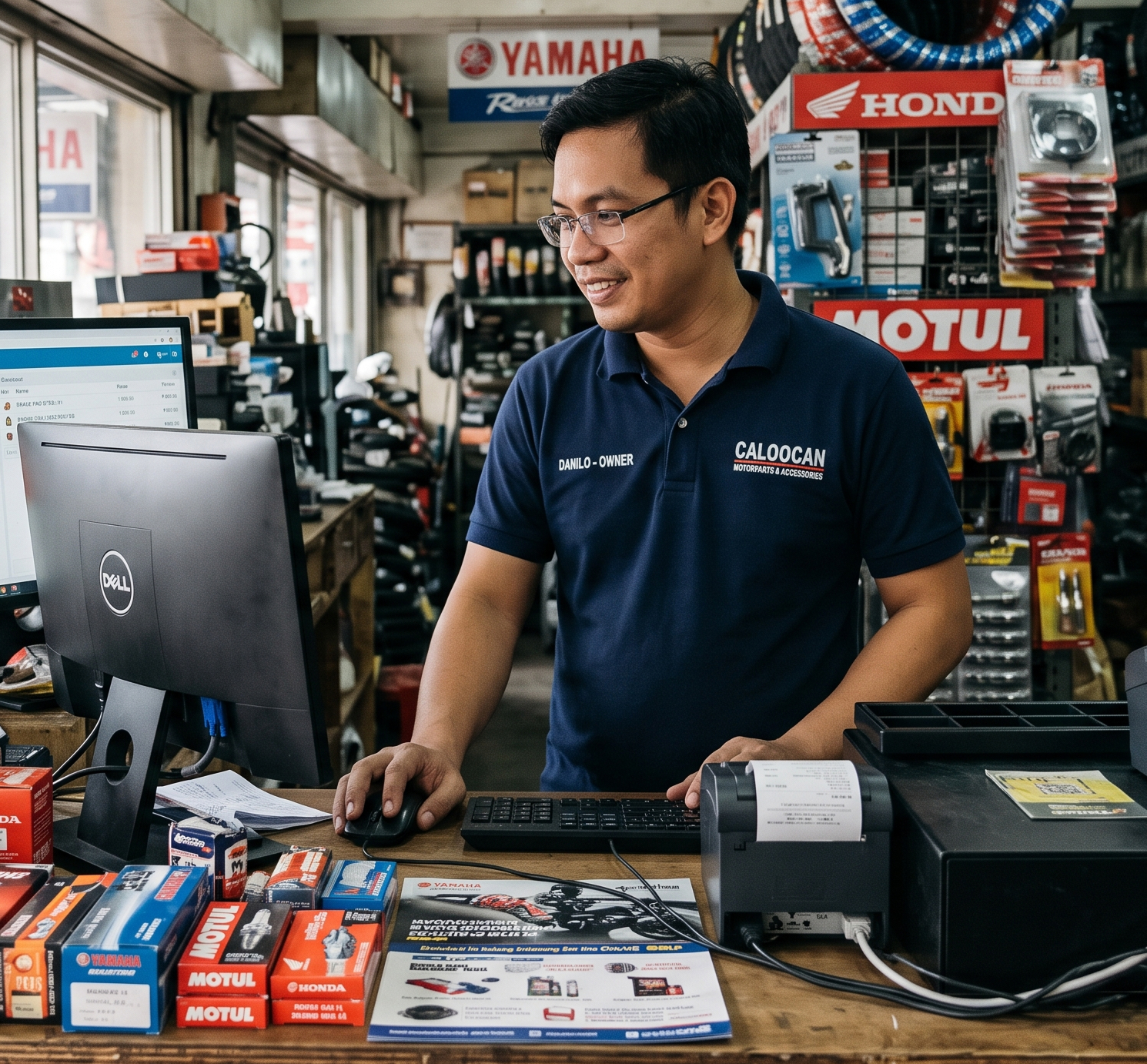
PARTS & ACCESSORIES STORE
Lorem ipsum dolor sit amet, consectetur adipiscing elit, sed do eiusmod tempor incididunt ut labore et dolore magna aliqua.
Lorem ipsum dolor sit amet
Lorem ipsum dolor sit amet
Today
Sales written in a notebookFast-movers stock out with no warningNo clear daily profit picture
With MotoDisk
Fast POS rings up every saleLive stock + low-stock alertsDaily profit report on your phone
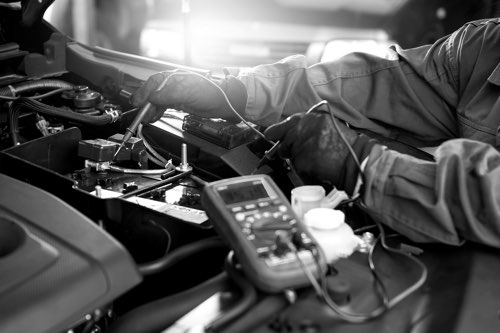
REPAIR & SERVICE SHOP
Lorem ipsum dolor sit amet, consectetur adipiscing elit, sed do eiusmod tempor incididunt ut labore et dolore magna aliqua.
Lorem ipsum dolor sit amet
Lorem ipsum dolor sit amet
Today
Job orders on paper get lost
Commission math takes hours
Customers chase you for updates
With MotoDisk
Job order board, intake to release
Commissions auto-computed per job
Automatic SMS status updates
MULTI-BRANCH CHAIN
Lorem ipsum dolor sit amet, consectetur adipiscing elit, sed do eiusmod tempor incididunt ut labore et dolore magna aliqua.
Lorem ipsum dolor sit amet
Lorem ipsum dolor sit amet
Today
No consolidated sales picture
Prices differ branch to branch
Hard to compare performance
With MotoDisk
Central dashboard for all branches
One shared, consistent catalog
Per-branch reports side by side

OWNERS & STAFF
Lorem ipsum dolor sit amet, consectetur adipiscing elit, sed do eiusmod tempor incididunt ut labore et dolore magna aliqua.
Lorem ipsum dolor sit amet
Lorem ipsum dolor sit amet
Today
Staff see more than they should
Unclear who is assigned what
Owner stuck doing all admin
With MotoDisk
Role-based access per staff
Clear job assignments
Owner dashboard, anywhere
The core tools, each built for the way Pinoy shops work.
PARTS & ACCESSORIES STORE
Lorem ipsum dolor sit amet, consectetur adipiscing elit, sed do eiusmod tempor incididunt ut labore et dolore magna aliqua.
Lorem ipsum dolor sit amet
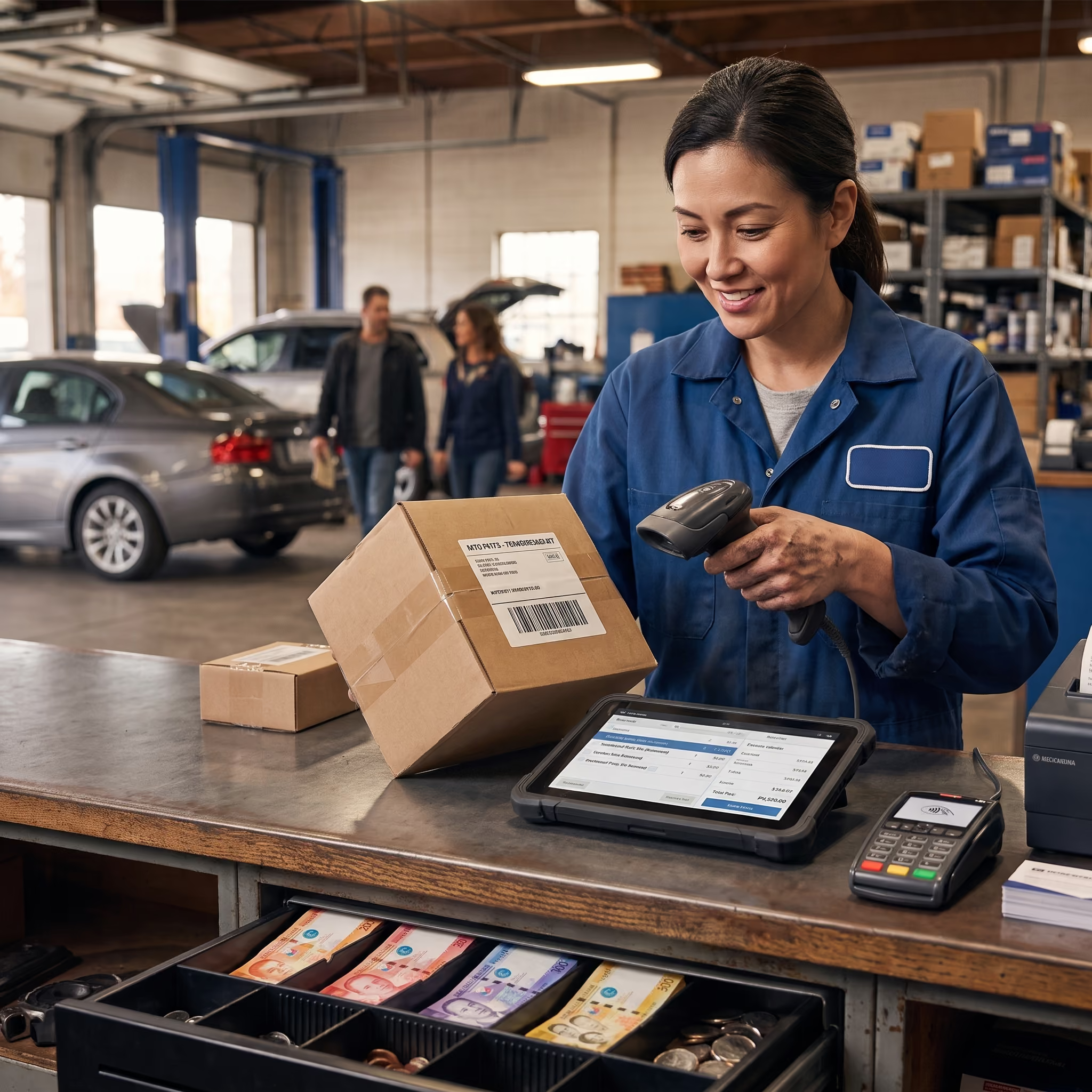
Barcode or search, add labor, take payment — works even when the internet drops.
Offline-ready checkout
Receipts via print or SMS
Drawer always reconciled

INVENTORY & ALERTS
Lorem ipsum dolor sit amet, consectetur adipiscing elit, sed do eiusmod tempor incididunt ut labore et dolore magna aliqua.
Lorem ipsum dolor sit amet
Live counts across every item, low-stock alerts, and one-tap reorder lists.
Real-time stock levels
Low-stock + fast-mover alerts
Supplier reorder lists
JOB ORDERS & COMMISSIONS
Lorem ipsum dolor sit amet, consectetur adipiscing elit, sed do eiusmod tempor incididunt ut labore et dolore magna aliqua.
Lorem ipsum dolor sit amet
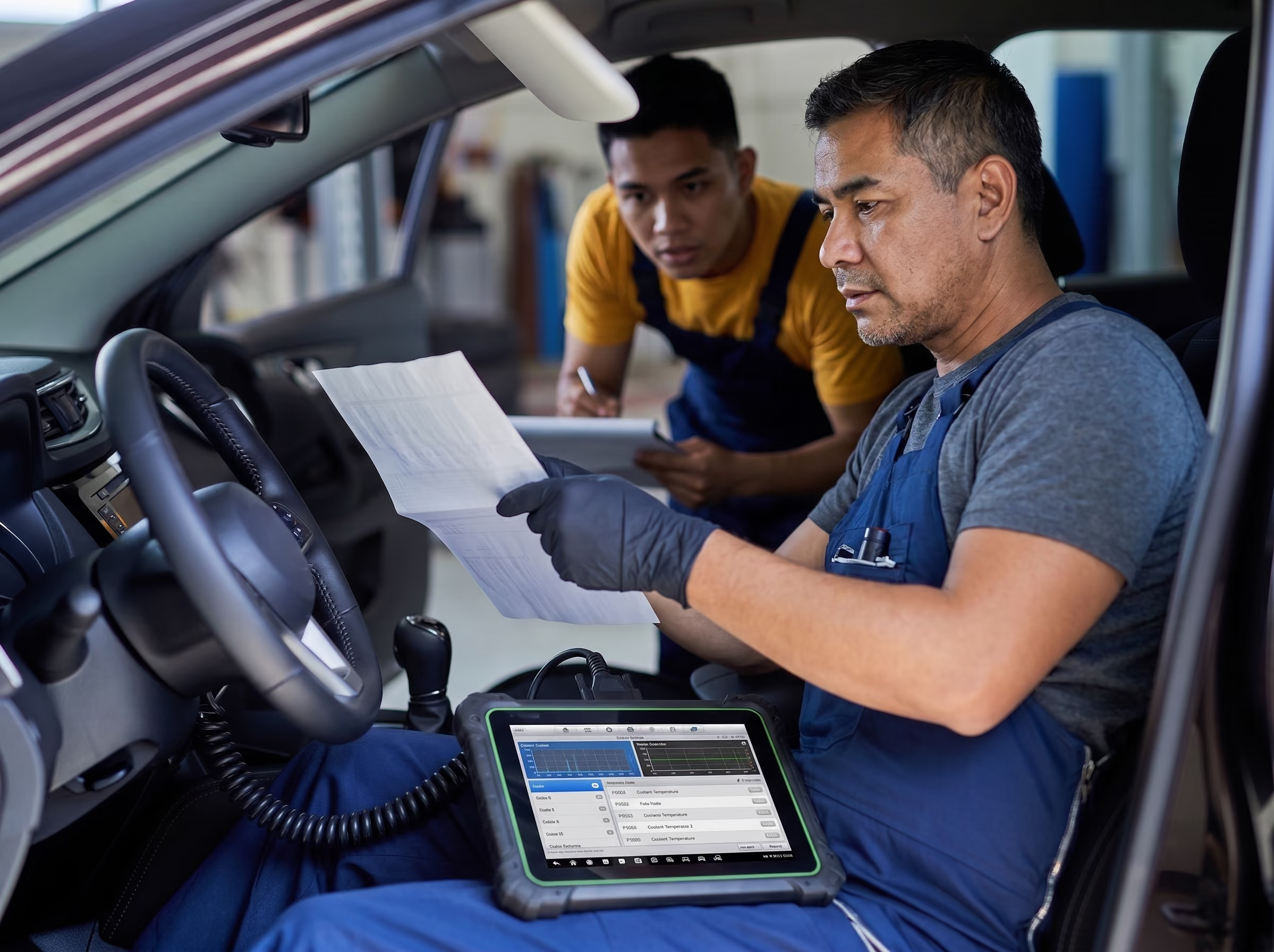
Open a job order, assign a mechanic, track status, and commissions calculate themselves.
Status from intake to release
Auto commission per job
Customer SMS updates
Lorem ipsum dolor sit amet, consectetur adipiscing elit, sed do eiusmod tempor incididunt ut labore et dolore magna aliqua.
Lorem ipsum dolor sit amet
Daily sales & profit
See revenue and margin at a glance, every day.
Stock & reorder
Know what to restock before you run out.
Repair job orders
Track every bike from intake to release.
Mechanic commissions
Payouts computed automatically per job.
Customer credit (utang)
Track balances and payment history.
Best-seller insights
Stock more of what actually sells.
The core tools, each built for the way Pinoy shops work.
Owner
Status from intake to release
Auto commission per job
Customer SMS updates
Cashier
Status from intake to release
Auto commission per job
Customer SMS updates
Mechanic
Status from intake to release
Auto commission per job
Customer SMS updates
SECURITY & RELIABILITY
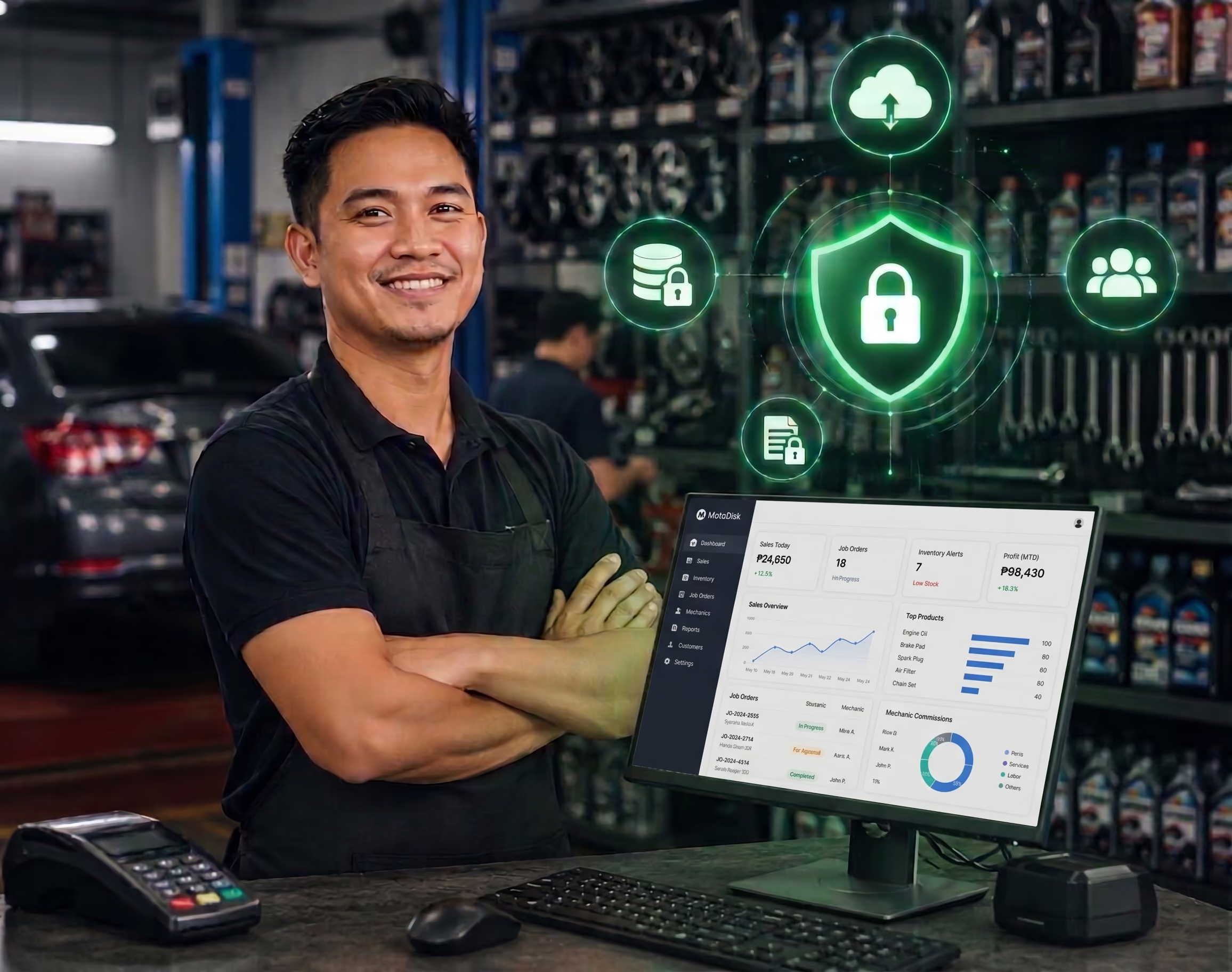
Encrypted in transit and at rest, automatic cloud backups, and role-based access for staff.
Encrypted
Auto-backup
Role access
99.9% uptime
Lorem ipsum dolor sit amet, consectetur adipiscing elit, sed do eiusmod tempor incididunt ut labore et dolore magna aliqua.
Lorem ipsum dolor sit amet
Notebook / Excel
MotoDisk
Real-time stock counts
Auto commission math
Daily profit report
Works offline + syncs
Backed up automatically
Lorem ipsum dolor sit amet, consectetur adipiscing elit, sed do eiusmod tempor incididunt ut labore et dolore magna aliqua.
Active Shops
Sales tracked
Avg Rating
Would recommend
Lorem ipsum dolor sit amet, consectetur adipiscing elit, sed do eiusmod tempor incididunt ut labore et dolore magna aliqua.
“Feature ang pinaka maangas sakin.
Ang Customer service 10 out of 10 sakin”

Sid Lucero
Actor and Motorshop Owner